RimWorld Cheats: Development Mode, God Mode and Debug Actions
On this page
Short answer: RimWorld has no typed cheat codes. Its cheats live in Development Mode: open the menu, go to Options, General and tick “Development mode”. A dev toolbar appears at the top of the screen. Its Debug actions menu has tools such as Finish All Research, T: Max All Skills, T: Resurrect and T: Recruit, and the God mode button builds everything instantly for free.
How to turn on Development Mode
- Press Esc (or the Menu button at the bottom right) and open Options.
- On the General tab, tick Development mode and close the window.
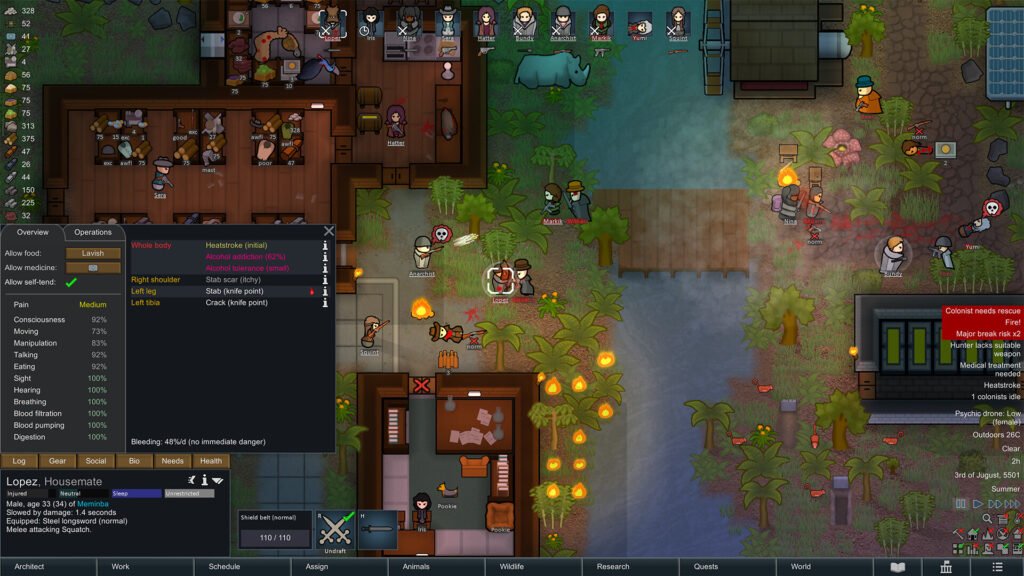
- A small toolbar appears at the top of the screen. Its buttons include the debug log, tweak values, the Debug actions menu, the inspector and God mode.
Debug actions are buttons you click, not commands you type; the menu has a search bar. Actions that start with “T:” are targeted: pick the action, then click the pawn, item or tile it should act on. Right-click or Esc cancels the tool. These steps are for the PC version.
God mode
With God mode on, everything you place is built instantly and at no cost, and buildings are available without research. It does not make your colonists invincible.
Research and skills
| Debug action | What it does |
|---|---|
Finish All Research | Completes every research project. |
Set Skill... | Sets one of a pawn’s skills to the level you choose. |
Max Skill... | Raises one skill of a pawn to the maximum. |
T: Max All Skills | Raises all skills of the clicked pawn to the maximum. |
Colonists, mood and recruiting
| Debug action | What it does |
|---|---|
T: Recruit | Recruits the clicked person to your colony. |
T: Tame Animal | Tames the clicked animal. |
T: Resurrect | Brings the clicked corpse back to life. |
T: Stop mental state | Ends a mental break such as a tantrum. |
T: Give good thought | Gives the clicked pawn a temporary +10 mood boost. |
Inspiration... | Gives a colonist the inspiration you choose. |
Removing things
| Debug action | What it does |
|---|---|
T: Kill | Kills the clicked target. |
T: Destroy | Destroys the clicked target. |
T: Clear area (rect) | Clears everything inside a rectangle you draw. |
Kill Kidnapped Pawn | Kills a pawn that raiders kidnapped. |
Destroy Map | Removes a map and everything on it. Using it on your home map can break your game. |
Events
| Debug action | What it does |
|---|---|
Execute raid with points | Starts a raid with the strength you set. |
Do trade caravan arrival | Brings in a trade caravan. |
The Debug actions menu groups its tools into tabs such as Incidents, Quests, General, Pawns and Spawning. Development mode was overhauled in version 1.4, so older guides may show different names or layouts; if you cannot find an action, use the menu’s search bar.
More guides
All our RimWorld coverage is on the RimWorld page. If you like colony sims, see our Clanfolk review.
Sources
- RimWorld Wiki: Development mode
- Dot Esports: RimWorld cheats, all console commands
- Sportskeeda: All RimWorld console commands and cheats
- BisectHosting: RimWorld console commands and cheats guide
- Deltia’s Gaming: RimWorld console commands guide
Last checked against sources: 15 November 2026.