Kerbal Space Program Cheats: Debug Menu, Infinite Fuel, Set Orbit and More
On this page
Short answer: Kerbal Space Program has no typed cheat codes. Its cheats are switches in the debug menu: on Windows press Alt+F12 (Mac: Option+F12, Linux: Right Shift+F12) and open the Cheats tab. There you can turn on Infinite Propellant, Infinite Electricity, Unbreakable Joints, No Crash Damage and Ignore Max Temperature, change gravity, or put a ship straight into orbit with Set Orbit.
How to open the debug menu
| Platform | Keys | Notes |
|---|---|---|
| Windows (PC) | Alt+F12 | Works in the editor and in flight. Click the Cheats tab. |
| Mac | Option+F12 | If F12 controls volume on your keyboard, add Fn. |
| Linux | Right Shift+F12 | Use the right Shift key. |
| Any PC (no keys) | Esc, then click the version text | Pause the game and click the version number at the bottom of the pause menu. Handy on Steam Deck and laptops. |
| PS4 and Xbox (Enhanced Edition) | Up Up Down Down Left Right Left Right | Pause the game and enter the Konami code directions on the D-pad. You have to enter it again each session. |
If Alt+F12 does nothing, check the NVIDIA GeForce overlay: it uses the same shortcut by default, so change its key. On laptops, try Fn+Alt+F12. Some players also open it with AltGr+F12.
Make a separate save before you play with cheats, especially Set Orbit and Set Position.
Cheat switches
| Cheat | What it does |
|---|---|
Infinite Propellant | Fuel and oxidizer never run out. Older versions called it Infinite Fuel. |
Infinite Electricity | Electric charge never runs out, so probes and reaction wheels keep working. |
Hack Gravity | Changes the strength of gravity with a slider. |
Unbreakable Joints | Parts stay attached to each other and never snap apart. |
No Crash Damage | Parts should no longer explode when they hit the ground or another vessel. Players report some parts can still blow up with it on. |
Ignore Max Temperature | Parts no longer explode from overheating, for example during re-entry. |
Set Orbit and Set Position
| Cheat | How to use it |
|---|---|
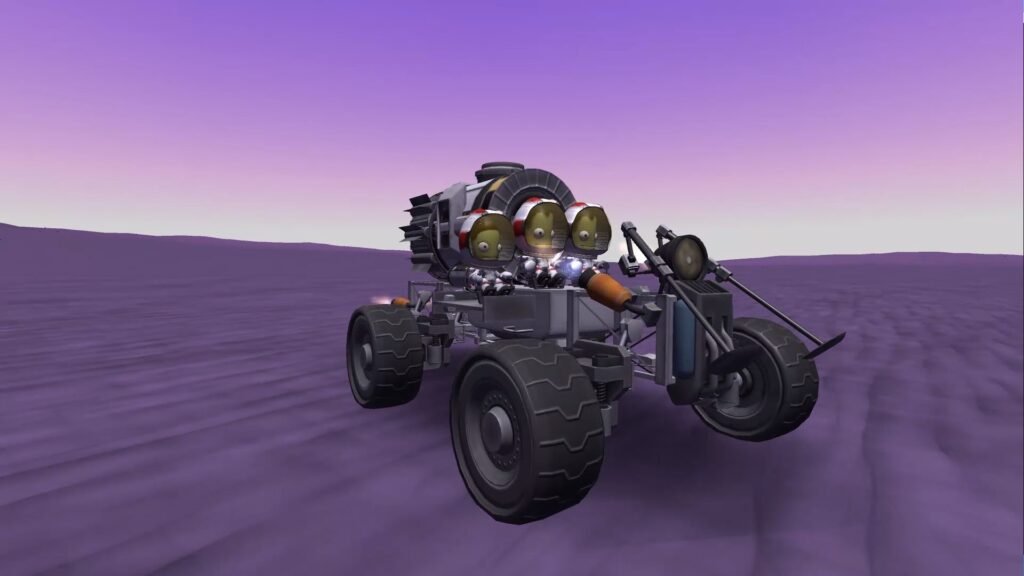
Set Orbit | Puts the vessel the camera is on into orbit around the body you pick, even from the launch pad. Choose the body, enter the orbit values (the semi-major axis sets the height) and press Set Orbit. |
Set Position | Teleports the vessel to a point on or above a body’s surface. Added in version 1.9. Stay in the menu until the game has finished easing physics back in, or ships nearby can be thrown about. |
Funds, science and reputation in career mode
- Open the debug menu with Alt+F12 and go to the Cheats tab.
- Hold Alt for about five seconds.
- Extra buttons appear at the bottom of the tab to add or remove funds, science and reputation.
This hidden step has been reported by players since 2015; at least one player said it stopped working for them. Another way is to edit the science value under ResearchAndDevelopment in your save’s persistent.sfs file, with a backup first.
Shortcuts that no longer work
Very old guides give Ctrl+Alt+Shift+D to open the debug menu. That shortcut was replaced by Alt+F12 in 2013 and does nothing in current versions.
| Old shortcut | Status |
|---|---|
Ctrl+Alt+Shift+D | Removed. Use Alt+F12 on Windows. |
More Kerbal Space Program guides
Everything we have on the game is on the Kerbal Space Program page. To find the hidden monoliths and arches without cheats, see our Kerbal Space Program easter eggs guide.
Sources
- Kerbal Space Program forums: debug menu, cheats and Set Position threads
- Steam Community: Kerbal Space Program debug menu discussions and Set Orbit guide
- GameSpot: Kerbal Space Program cheats
- The Cutting Room Floor: Kerbal Space Program
- Kerbal Space Program developer blog and official release notes
- Cheat Happens: Kerbal Space Program forum
Last checked against sources: 14 November 2026.