Short answer: On PC, press the tilde key (~, under Esc) to open the console, type a command and press Enter. tgm turns on god mode, tcl lets you walk through walls, player.additem f 1000 gives you 1,000 gold and player.setlevel 50 sets your level. Console commands only exist in the PC version.
How to use the console
Load your save and press ~. The game pauses and a text line appears at the bottom of the screen.
Type the command and press Enter. Some commands act on a target: click a person or object while the console is open to select it first.
Press ~ again to close the console.
Make a separate save before you experiment. Some commands, such as psb, change your character in ways you cannot easily undo.
God mode and movement
Command
What it does
tgm
God mode: you cannot die, and stamina and magicka do not run out. Type it again to turn it off.
tcl
Turns off collision so you can move through walls and fly. Handy when you are stuck.
tfc
Free camera that leaves your character behind. tfc 1 also pauses the game.
tmm 1
Shows every map marker. tmm 0 hides them all again.
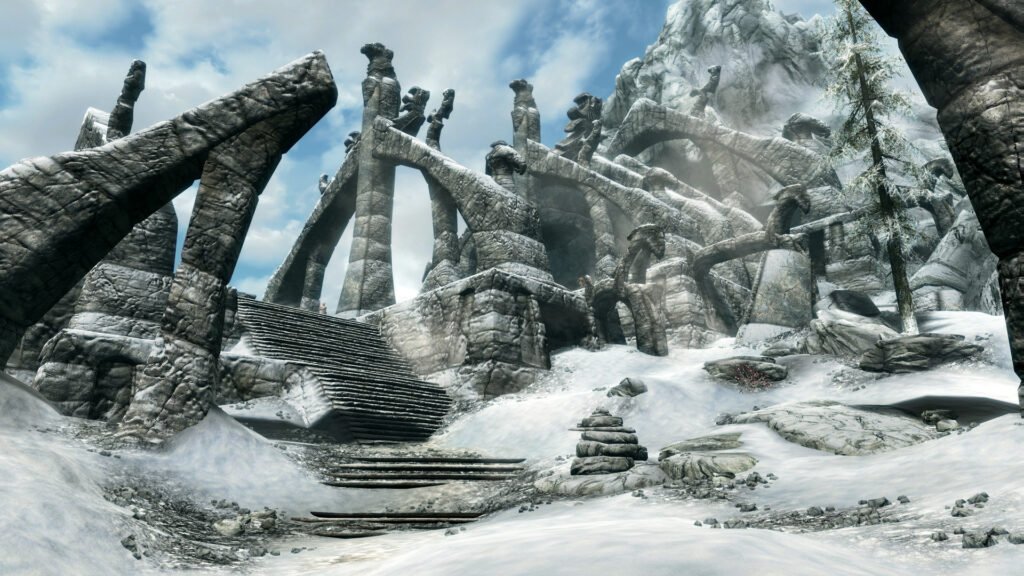
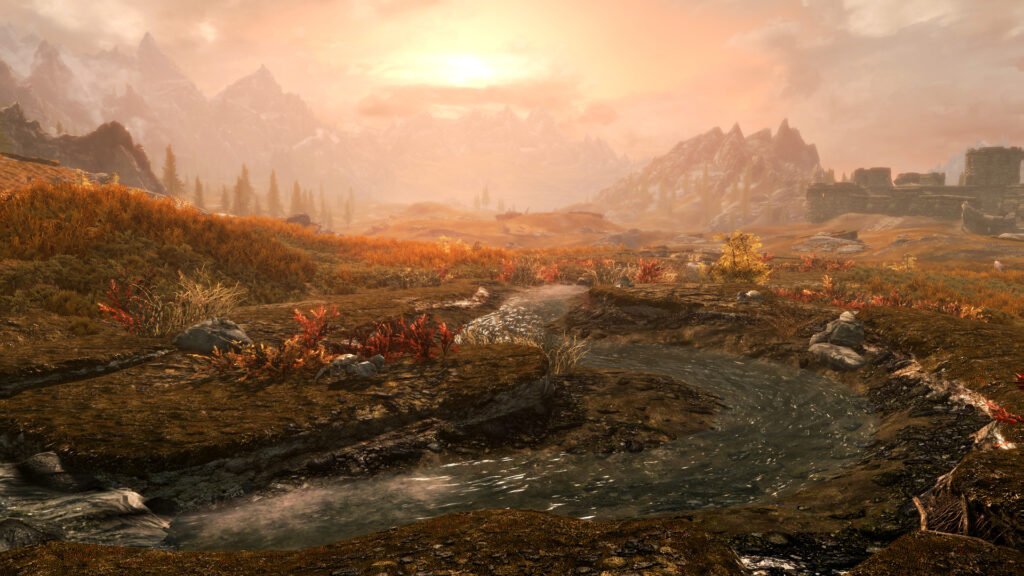
The Elder Scrolls V: Skyrim
Gold, items and carry weight
Command
What it does
player.additem f 1000
Adds 1,000 gold. f is the item ID of a gold coin (also written 0000000f); change the number for more or less.
player.modav carryweight 500
Changes your carry weight limit by the number you type.
unlock
Unlocks the door or chest you have selected.
coc qasmoke
Teleports you to Bethesda’s developer test room, which holds chests full of items.
Level, skills and spells
Command
What it does
player.setlevel 50
Sets your character level, up or down.
player.advlevel
Levels you up once. You do not get to pick a perk for this level.
player.advskill smithing 1000
Adds experience to a skill. Replace “smithing” with the skill you want.
psb
Gives you every spell and shout, including unused developer spells.
showracemenu
Opens the character creation screen so you can change your look.
sexchange
Changes the gender of your character or the selected character.
NPCs and the world
Command
What it does
killall
Kills every non-essential character around you.
resurrect
Brings the selected dead character back to life. resurrect 1 keeps their items.
tai
Turns all character AI on or off, so nobody reacts to you.
tcai
Turns combat AI on or off: enemies stop attacking.
setscale 2
Changes the size of the selected object or character (1 is normal). Use player.setscale for yourself.
Camera and other useful commands
Command
What it does
fov 90
Sets the field of view.
tm
Hides all menus and the HUD, for clean screenshots. Type it again to bring them back.
qqq
Quits the game straight away.
help
Lists commands. Add a word to search item names and IDs, for example help "iron sword".